Image Compressor
Compress JPG, PNG, or WebP images instantly. Drag in your image files, set max width and quality, preview savings, and export optimized results.
Launch Tool
client-side utilities toolbox with zero server uploads. Optimize images, analyze text and more — all in the browser.
Browse Toolbox →Compress JPG, PNG, or WebP images instantly. Drag in your image files, set max width and quality, preview savings, and export optimized results.
Turn mixed WebP, PNG, and JPEG image folders into a clean, consistent set in seconds. Drop your files, choose a target format, and export everything in one go.
Convert PNG, JPG, or WebP images into progressive JPEG. Set quality and max width to create faster-loading, web-optimized photos in seconds.
Create clean, custom QR codes with your colors, shapes, and logo — or generate one-tap actions like call, email, or SMS. Everything runs locally in your browser.
Convert text into SEO-ready slugs or naming formats. Switch between kebab, snake, camel, Pascal, and title case with instant, live output.
Count words, characters, paragraphs, and sentences instantly. See reading time, top words, and live stats as you write or edit your text.
Explore Vayce’s guides and essays grouped by theme — each topic dives into one corner of the web.
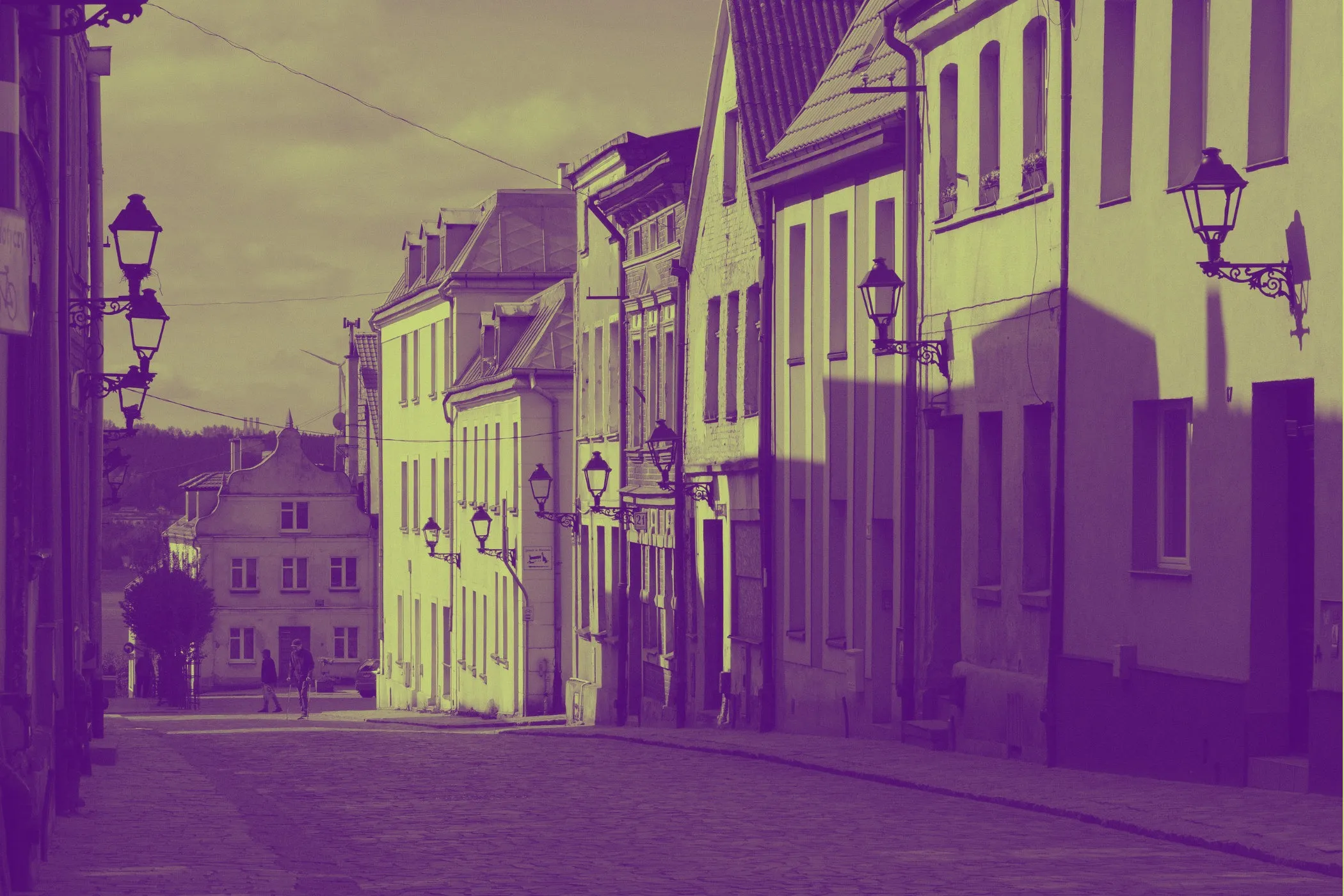
5 min read
Learn what the duotone effect is, how it works, and why using two simple colors can instantly transform busy photos into clean, consistent visuals that improve readability and elevate your website design.
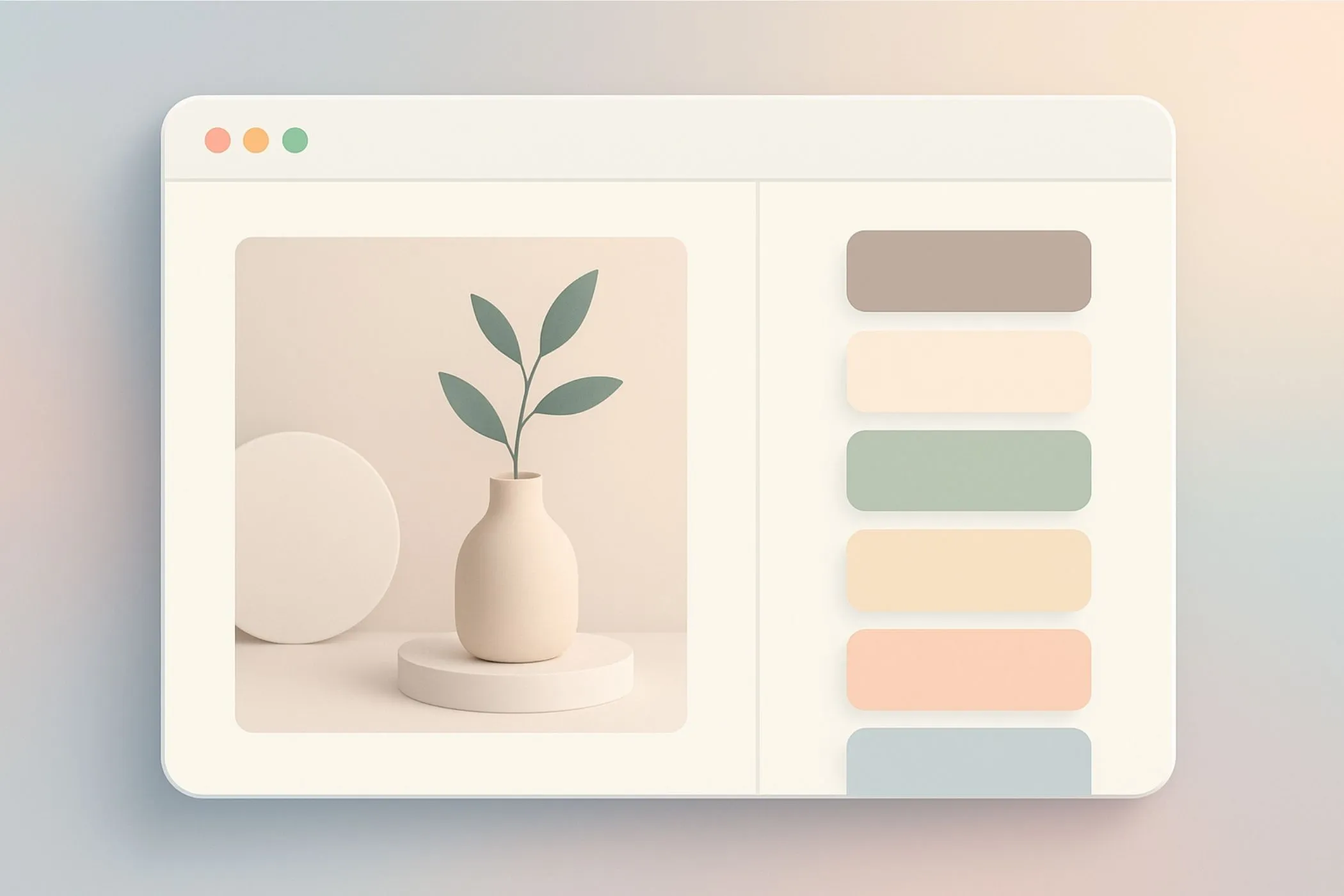
5 min read
Your brand’s best colors are often hiding in plain sight — inside your own photos, logos, and product shots. This guide shows beginners how to extract a clean, ready-to-use color palette directly from an image using the Vayce Image Color Palette Extractor.
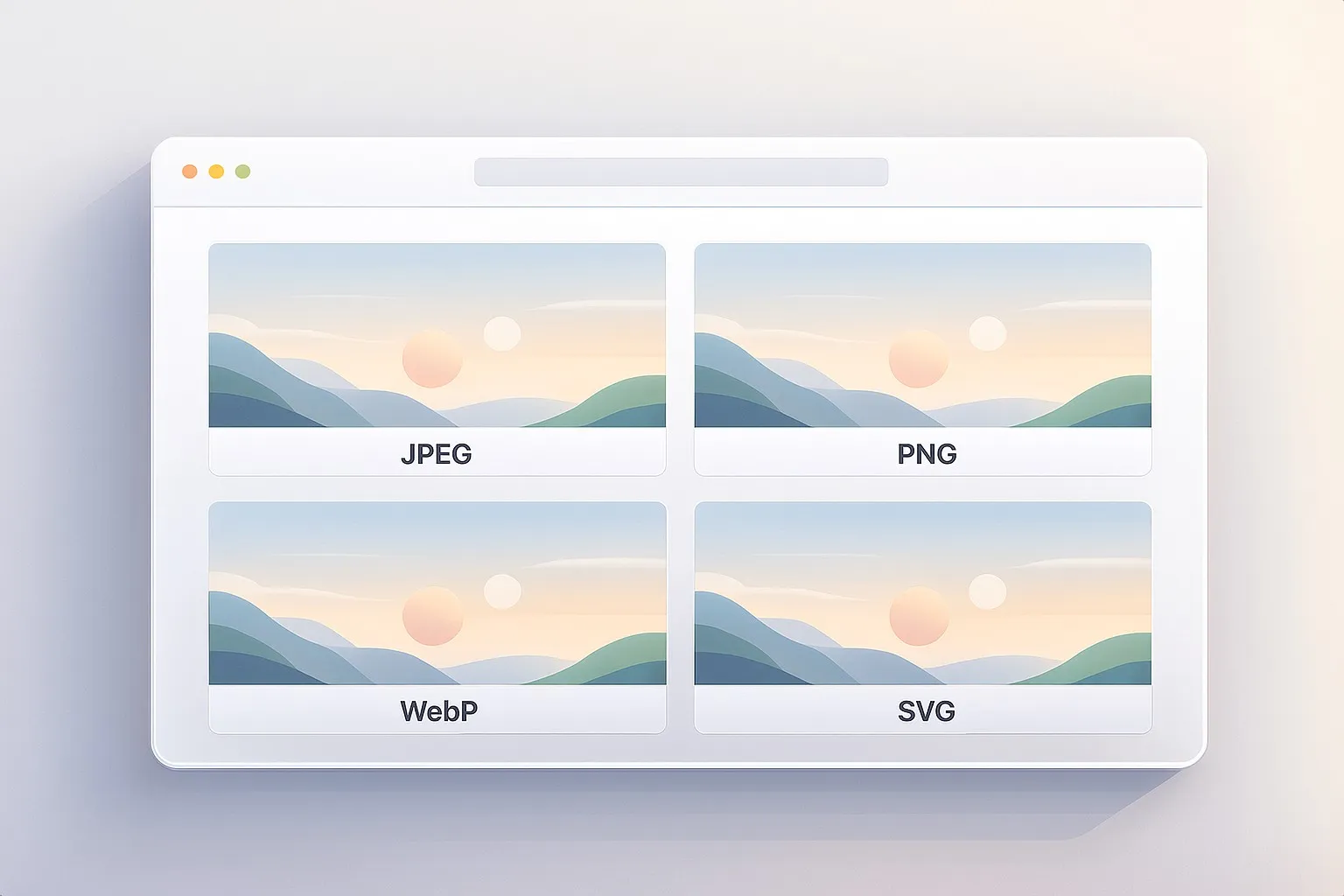
3 min read
A four‑part guide that explains the core image formats used across the web — how they work, why they exist, and how to choose the right one for clarity, performance, and flexibility.