Workflow & Usage
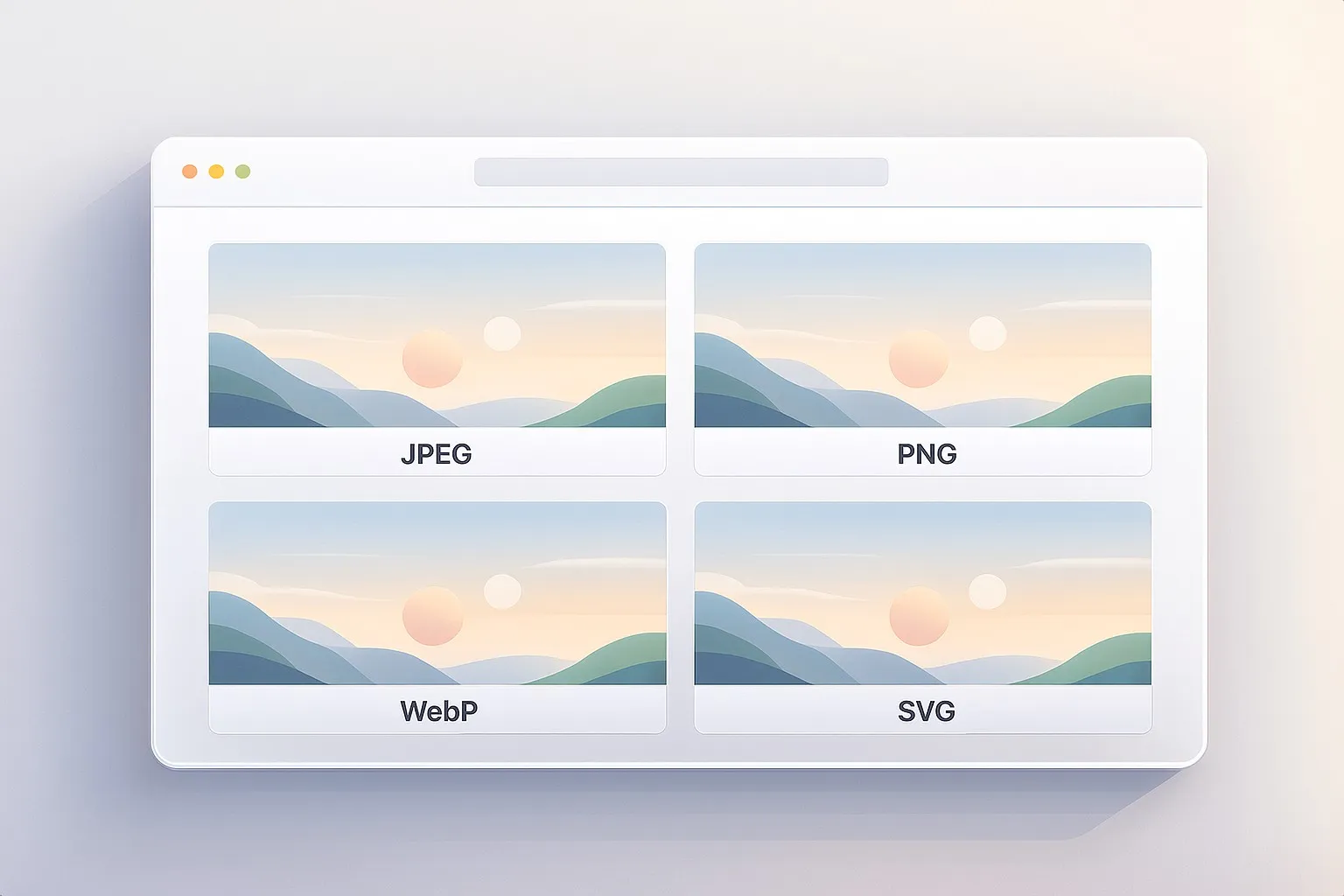
- Add images. Drag & drop or click to select multiple files (BMP, PNG, JPG/JPEG, WebP).
- Choose output. Pick WebP, JPEG, or PNG from the dropdown.
- Convert. Click Convert per file or Download all as ZIP to convert everything at once.
- Save. Download individual results or a single ZIP containing the whole batch.
The converter keeps original dimensions and applies sensible, high-quality encoding for JPEG/WebP.
Use Cases
-
Standardize Assets for the Web Convert a mixed folder (BMP/PNG/JPG/WebP) to a single format before uploading to your CMS or static site.
-
E-commerce Product Photos Export consistent WebP or JPEG for faster product pages while keeping PNG only where transparency is needed.
-
Social & Marketing Kits Produce platform-friendly formats without round-tripping through heavy desktop tools.
-
Email Newsletters Swap large PNGs to JPEG/WebP to stay under email size limits.
-
Client Deliverables Deliver one tidy ZIP of images in the requested format - no cloud sharing needed.
-
Archiving & Cleanup Normalize old folders into modern WebP to save space while preserving visible quality.
Tips for Best Results
- Prefer WebP for photos. It usually yields smaller files at similar quality compared to JPEG.
- Keep PNG for transparency & flat graphics. Logos, UI sprites, and line art often look best as PNG.
- Mind metadata. Canvas-based conversion typically strips EXIF (including orientation). Rotate/fix before converting if needed.
- Need resizing or stronger compression? Use the Image Compressor to set max width and tweak quality, then (optionally) convert here.
- Stay consistent. Pick one format per page/template to avoid layout jumps and caching mismatches.
How It Works
Everything runs client-side using modern browser graphics APIs:
- Files are decoded with
createImageBitmapand re-encoded via OffscreenCanvas inside a Web Worker for speed. - A small worker pool converts multiple images in parallel while keeping the UI responsive.
- If a feature isn’t available, the app falls back to a main-thread canvas path - still local, still private.
- Batch results are bundled using JSZip so you can download a single archive.
No uploads. No tracking. Your images never leave your device.