Crop images to a portrait 4:5 frame
The 4:5 aspect ratio is a portrait-oriented format widely used for social media images, especially on Instagram. Compared to square images, the 4:5 format takes up more vertical space in mobile feeds, which often helps posts stand out while scrolling.
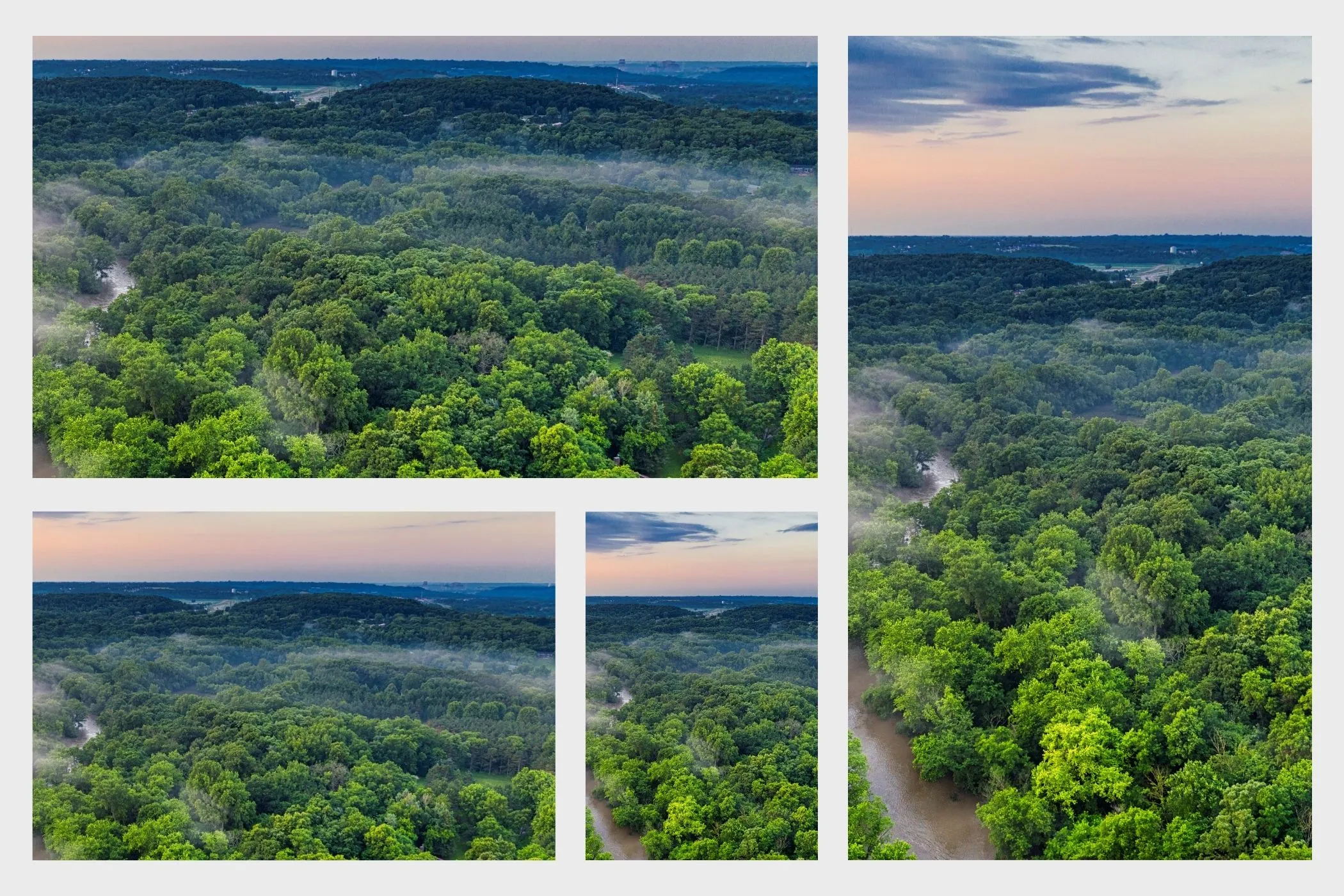
Cropping an image to 4:5 allows you to adapt landscape or square photos into a taller composition that feels more immersive on mobile devices.
This tool lets you crop images to the 4:5 ratio instantly while keeping full control over the framing and composition.
Everything runs locally in your browser, ensuring your images stay private and the editing process remains fast.
Why the 4:5 ratio works well for social media
Social media feeds are designed primarily for vertical scrolling. Because the 4:5 format is taller than a square image, it occupies more space in the feed and can make visuals feel more noticeable.
This format is commonly used for:
- Instagram feed posts
- portrait photography
- social media graphics
- product showcase images
- influencer and brand content
By cropping images to 4:5, creators can maintain strong visual presence while staying within platform guidelines.
What this 4:5 crop tool does
This tool lets you crop images into a portrait 4:5 frame while keeping control over the visible portion of the image.
You can:
- Drag and drop images into the tool
- Paste images directly from your clipboard
- Move the image to reposition the subject
- Zoom to tighten or loosen the crop
- Quickly center the crop if needed
- Export individual images or batch export multiple crops
The real-time preview allows you to refine the composition before downloading the result.
How to crop an image to 4:5
1. Upload your image
Add images by dragging and dropping them into the upload area, selecting files manually, or pasting from the clipboard.
Supported formats:
- JPEG
- PNG
- WebP
2. Adjust the composition
Use the Edit option to reposition the image inside the portrait crop frame.
Inside the editor you can:
- drag the image to reposition the subject
- zoom to create a tighter crop
- use the rule-of-thirds grid to align key elements
This makes it easy to convert wide or square images into a portrait layout.
3. Export the cropped image
Once the framing looks right, download the image individually or export multiple images together as a ZIP file.
Common uses for 4:5 images
Instagram feed posts
Instagram supports several image formats, but 4:5 is often considered the optimal portrait ratio because it fills more vertical space than a square image.
When cropping images for Instagram:
- keep the subject clearly visible
- leave space near the edges for captions or interface elements
- avoid placing important details too close to the top or bottom
Portrait photography
The 4:5 format works well for portraits because it keeps attention on the subject while maintaining a balanced frame.
It is especially useful for:
- headshots
- lifestyle photography
- fashion images
Product showcase images
Brands often use portrait images to highlight products on social media or ecommerce platforms.
A 4:5 crop helps:
- center the product
- remove distracting background elements
- create visually consistent product posts
Social media graphics
Marketing graphics, quotes, and promotional visuals often use a portrait orientation to stand out in scrolling feeds.
Cropping visuals to 4:5 helps these graphics appear clean and balanced.
Composition tips for portrait images
Place the subject slightly above center
Portrait compositions often feel more natural when the main subject sits slightly above the center of the frame.
This creates visual balance and leaves room for captions or overlays.
Use vertical space intentionally
Because the frame is taller, think about how the image flows from top to bottom.
For example:
- place the main subject near the upper third line
- use negative space below for text or breathing room
Avoid cropping too tightly
A small margin around the subject often improves the overall composition and keeps the image from feeling cramped.
Watch the edges
Make sure important details such as hands, objects, or text are not cut off by the crop frame.
4:5 crop use cases
This tool is especially useful when preparing images for:
- Instagram feed posts
- portrait photography
- social media marketing graphics
- product showcase visuals
- influencer content
Cropping multiple images into the same portrait format helps maintain consistency across social media posts.
How 4:5 cropping works
The tool calculates a portrait crop rectangle that maintains a 4:5 width-to-height ratio.
You can reposition and zoom the image inside this frame before exporting the final crop.
Only the selected portion of the the image is exported, while the rest of the original image is removed.
All processing happens locally in your browser using the original image data.
Perfect for
- social media creators preparing portrait posts
- influencers and brands sharing Instagram content
- photographers creating portrait compositions
- marketers designing social graphics
- anyone who needs a fast and private way to crop images for portrait layouts
Crop, adjust, export — and your image will fit perfectly into modern portrait-style social media feeds.