Create custom QR codes in seconds
A QR code is one of the fastest ways to move someone from the physical world into an action: open a website, start a call, draft a message, or contact you by email.
This tool helps you generate custom QR codes directly in your browser with practical controls for both content and design.
You can create QR codes for:
- URLs and plain text
- Phone calls
- SMS actions
- Email actions
Then style the result with:
- custom background color
- square or circle outer shape
- editable dot styles
- customizable corner styles
- optional center icon / logo
And finally download it as SVG, PNG, JPEG, or WebP.
No account, no server-side generation, no waiting.
What this QR Code Generator can do
Use it to:
- Create QR codes for links (landing pages, products, menus, portfolios, social profiles)
- Generate text QR codes for notes, IDs, short instructions, or simple data sharing
- Build call QR codes that help users start a phone call on supported devices
- Build SMS QR codes for quick text-message actions
- Build email QR codes for contact and support flows
- Customize the visual design so the QR fits your brand or campaign
- Add a center icon to make the code more recognizable
- Export in multiple formats for web, print, or design tools
This makes the tool useful for both quick everyday QR needs and polished brand-ready assets.
Workflow
1. Choose the QR type
Start by selecting what the QR code should do:
- Text / URL
- Call
- SMS
This changes the input field so you only see the fields relevant to that type.
2. Enter the content
Depending on the type, you can enter:
- a website URL or plain text
- a phone number
- an email address
The preview updates automatically, so you can see the QR code change in real time.
3. Customize the design
Move through the style tabs to control:
- Background shape and color
- Dots shape and color
- Corners shape and color
- Icon in the center
This lets you create anything from a plain black-and-white utility QR to a more branded, visually distinct design.
4. Choose a filename and format
Set the download name, then choose:
- SVG
- PNG
- JPEG
- WebP
5. Download the QR code
Click Download and save the final file for print, social posts, menus, business cards, packaging, posters, signage, or digital sharing.
QR types explained
Text / URL QR code
This is the most flexible option.
Use it for:
- websites and landing pages
- portfolios and bios
- product pages
- app download pages
- event pages
- Wi-Fi instructions or simple text notes
If you enter a full URL, scanning the QR code usually opens that destination directly. If you enter plain text, the scanner will typically show the text content instead.
Call QR code
A call QR code is useful when you want someone to contact you with as little friction as possible.
Great for:
- local businesses
- service providers
- support desks
- booking inquiries
- real estate signs
- printed ads with a “Call now” action
On supported phones, scanning can open the device’s calling flow with the number ready to use.
SMS QR code
An SMS QR code is helpful when you want users to start a text message quickly.
Useful for:
- reservation requests
- customer support
- campaign opt-ins
- order confirmations
- quick mobile contact flows
This is especially effective in contexts where users are already on their phones and want a fast, low-friction action.
Email QR code
An email QR code helps users begin an email action without manually typing the address.
Useful for:
- support and help desks
- general contact addresses
- quote requests
- vendor communication
- event organizers
- brochure or flyer contact details
This is a simple way to reduce friction and improve response rates when the goal is “contact us.”
Design controls
A QR code has to look good, but it also has to remain easy to scan.
This tool gives you practical styling controls without making the process complicated.
Background shape and color
You can choose the overall QR shape style:
- Square
- Circle
You can also set a custom background color.
This is useful when you want the code to match brand colors, packaging, menus, posters, or digital graphics.
Dots shape and color
The dot pattern is the main visual body of the QR code.
You can change:
- the shape of the dots
- the color of the dots
This makes a big visual difference. Rounded or decorative dot styles can feel more modern or friendly, while square styles often feel more technical and minimal.
Corner shape and color
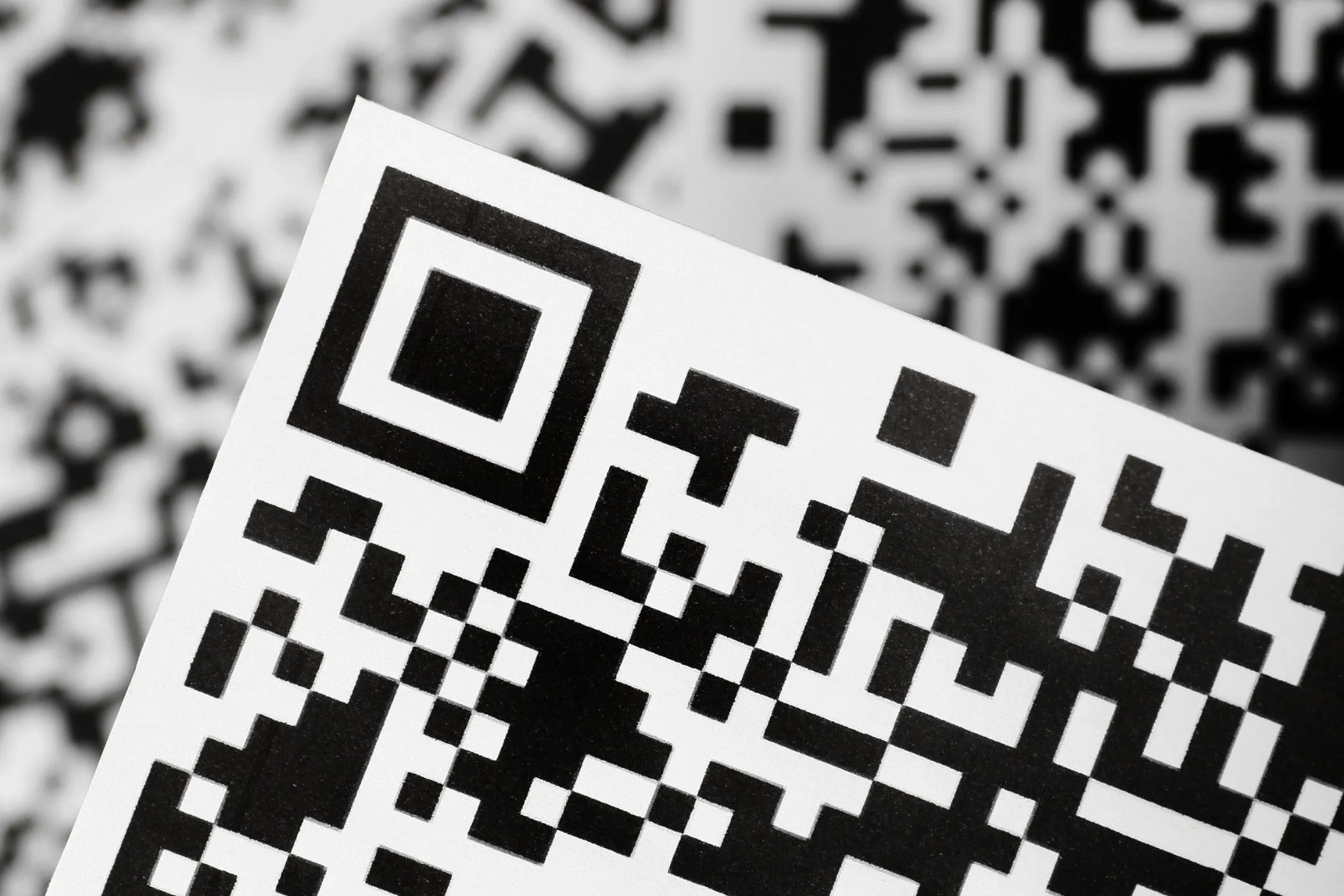
The three large position markers in a QR code are visually important and functionally critical.
You can customize:
- the corner shape
- the corner color
This gives you another layer of branding while keeping the code recognizable.
Center icon / logo
You can optionally upload an image and place it in the center of the QR code.
This is useful for:
- logos
- brand marks
- app icons
- small product or campaign symbols
There is also a setting to hide the background dots behind the icon, which can make the design cleaner and reduce visual clutter.
That said, keep the center image modest in size. Large icons can make a QR code harder to scan.
Best practices for QR codes that scan reliably
A styled QR code should still be easy for real people to scan in real conditions.
Keep contrast high
The safest setup is still:
- dark dots
- light background
If you use brand colors, make sure there is still strong contrast between the foreground and background.
Do not over-style the code
Rounded dots and custom corners usually scan well, but pushing styling too far can reduce readability—especially when combined with low contrast or a large center icon.
Test on real phones
Always test the final QR code on:
- at least one iPhone and one Android device if possible
- both near and slightly farther camera distances
- the real surface where it will be used (screen, paper, sign, label, etc.)
Use enough physical size
Even a perfect QR code can fail if printed too small.
As a rule of thumb:
- small print use → keep it clean and high contrast
- posters / signage → use a larger code with breathing room around it
- packaging / menus → test the exact printed size before final production
Leave space around the code
QR codes need a clear “quiet zone” around them. Avoid placing text, borders, or busy graphics too close to the edges.
Be careful with center logos
A small icon is usually fine. A large one can block too much of the underlying pattern.
If you add an icon:
- keep it simple
- keep it centered
- avoid oversized images
- test the exported file before publishing
Choosing the right download format
SVG
Best for:
- design tools
- posters
- business cards
- signage
- high-resolution scaling
SVG stays sharp at any size, which makes it the best choice for professional print and reusable assets.
PNG
Best for:
- websites
- presentations
- documents
- general-purpose sharing
PNG is usually the safest all-around raster format when you want clean edges and broad compatibility.
JPEG
Best for:
- simple compatibility needs
- lightweight sharing where perfect sharpness is less critical
Because JPEG is a lossy format, it is usually not the first choice for QR codes unless you specifically need it.
WebP
Best for:
- modern web use
- lighter file sizes
- digital workflows where WebP is supported
WebP can be a practical option for web projects that care about file efficiency.
Real-world use cases
Restaurants and cafés
Create QR codes for:
- digital menus
- contact / reservations
- map or landing page links
- feedback pages
Hotels and hospitality
Use QR codes for:
- guest info pages
- WhatsApp / call-like contact flows
- welcome guides
- check-in instructions
- local recommendations pages
Retail and product packaging
Link to:
- product pages
- instructions
- warranty info
- support contact
- campaign landing pages
Events and conferences
Use QR codes for:
- ticket info
- schedules
- speaker pages
- registration forms
- contact points
Freelancers and service businesses
Perfect for:
- business cards
- invoices
- quote requests
- portfolio links
- instant call or email actions
Marketing and print materials
Add QR codes to:
- posters
- flyers
- banners
- brochures
- in-store signage
A good QR code shortens the gap between attention and action.
Tips for branded QR codes that still feel professional
- Use your brand color, but keep enough contrast.
- Use a small center logo instead of a large one.
- Match the corner style and dot style to your visual identity.
- Prefer SVG when handing assets to a designer or printer.
- Test both the raw preview and the final downloaded file.
- If the QR code is critical for conversions, choose clarity over decoration.
A QR code should feel on-brand, but it should never become hard to scan just to look more custom.
Troubleshooting
“My QR code looks good, but it is hard to scan.”
- Increase contrast between dots and background.
- Reduce styling complexity.
- Make the center icon smaller or remove it.
- Test a larger print size.
“The phone call or SMS action does not open exactly as expected.”
- Some actions depend on device support, browser handling, and scanner app behavior.
- Test the QR code on the target devices before using it in print or customer-facing materials.
“Which format should I choose?”
- Use SVG for print and scaling.
- Use PNG as the safest all-around default.
- Use WebP for lighter modern web assets.
- Use JPEG only if you specifically need it.
“My logo makes the QR code fail.”
- Use a smaller center icon.
- Keep the icon simple.
- Turn on the option to hide dots behind the icon only if the code still scans reliably after testing.
Perfect for
- Business owners who need fast contact or website QR codes
- Designers creating branded print assets
- Marketers building scan-to-action campaigns
- Restaurants, hotels, and events that need mobile-friendly access points
- Freelancers who want better business cards, flyers, and portfolio links
If you need a fast, flexible, and brand-friendly way to create QR codes for real use—not just generic black squares—this tool gives you the right balance of customization and simplicity.
Generate, style, test, download, and ship it.